Have you thought about swapping your sales strategy? Or Are you curious about setting up a multi-vendor marketplace solution?
Today’s e-commerce evolves rapidly and makes every business continually explore innovative strategies for expanding their reach and revenue streams. Eventually, Multi-Vendor marketplaces have become a game-changing solution to foster collaboration between several vendors under a common online platform unlocking a better feature for e-commerce business.
Numerous versatile multi-vendor marketplace platforms are available, offering a plethora of solutions to accommodate the distinct needs of your e-commerce businesses. In essence, this article gives you an outline of the e-commerce world and can help you optimize your business using Multi-Vendor marketplace platforms.
What are Multi-Vendor Marketplaces?
In the e-commerce business Multi-vendor marketplaces are rising as a powerful tool, offering a wide variety of benefits that can propel their growth. One of the significant edges of Multi-Vendor Marketplaces is they deliver a wide product selection for a wider audience, enhancing the brand appeal. Pertinently, Customer acquisition and engaging the existing customers is boosted by blending marketing efforts from multiple vendors. The inherent scalability of Multi-Vendor Marketplaces allows businesses to expand their vendor base and product portfolio easily.
Multi-vendor marketplaces facilitate enterprises with a centralized platform to operate vendor onboarding, product management, and commissions by simplifying operational processes and making it easier for businesses to manage their vendors. Multi-vendor marketplaces provide enterprises with a centralized platform to operate vendor onboarding, product management, and commissions by streamlining operational processes and making it easier for businesses to manage their vendors.
For instance, let’s consider an e-commerce store that comprises various products of a vendor and a corresponding shopping cart. On the other hand, Multi-vendor marketplaces are a type of e-commerce store that operates on a larger scale, allowing multiple vendors to sell their respective products and services.
Check out this article and explore more about the top Multi-vendor marketplace solutions for your e-commerce businesses!
Dokan
Dokan is a robust and user-friendly multi-vendor marketplace platform that is precisely designed for WooCommerce stores. Applying this plugin will help you to transform your e-commerce store into a vibrant marketplace brimming with vendors, promoting a successful online ecosystem and increasing sales.
With this plugin, you can ensure that vendors have customizable storefronts for showcasing their brands and products. You can save vendors time and effort by permitting them to edit product details such as status, pricing, and discounts in bulk.
Dokan’s customizable vendor dashboard goes beyond the idea by equipping them with valuable sales reports, analytics, and financial statements to scrutinize performance, improve their offerings, and enhance their business processes.
By integrating with popular shipping solutions and allowing vendors to configure dynamic shipping rates, the multi-vendor marketplace plugin facilitates efficient shipping management. Thus simplifying marketplace operations and optimizing the customer experience.
Highlighted Features
- Dokan equips you with a centralized platform with its Admin Dashboard for vendor management.
- A customizable dashboard provides detailed sales reports, analytics, and financial statements to vendors.
- A vendor-created shipping tag allows customers to track their orders in real time, enhancing better customer relationships.
- Utilize existing social media accounts for user registration and sign-in.
- It allows vendors to showcase their brands and products on customizable storefronts.
Pricing
Dokan has a free version and a premium version starting at $149 per year.
Yo!Kart
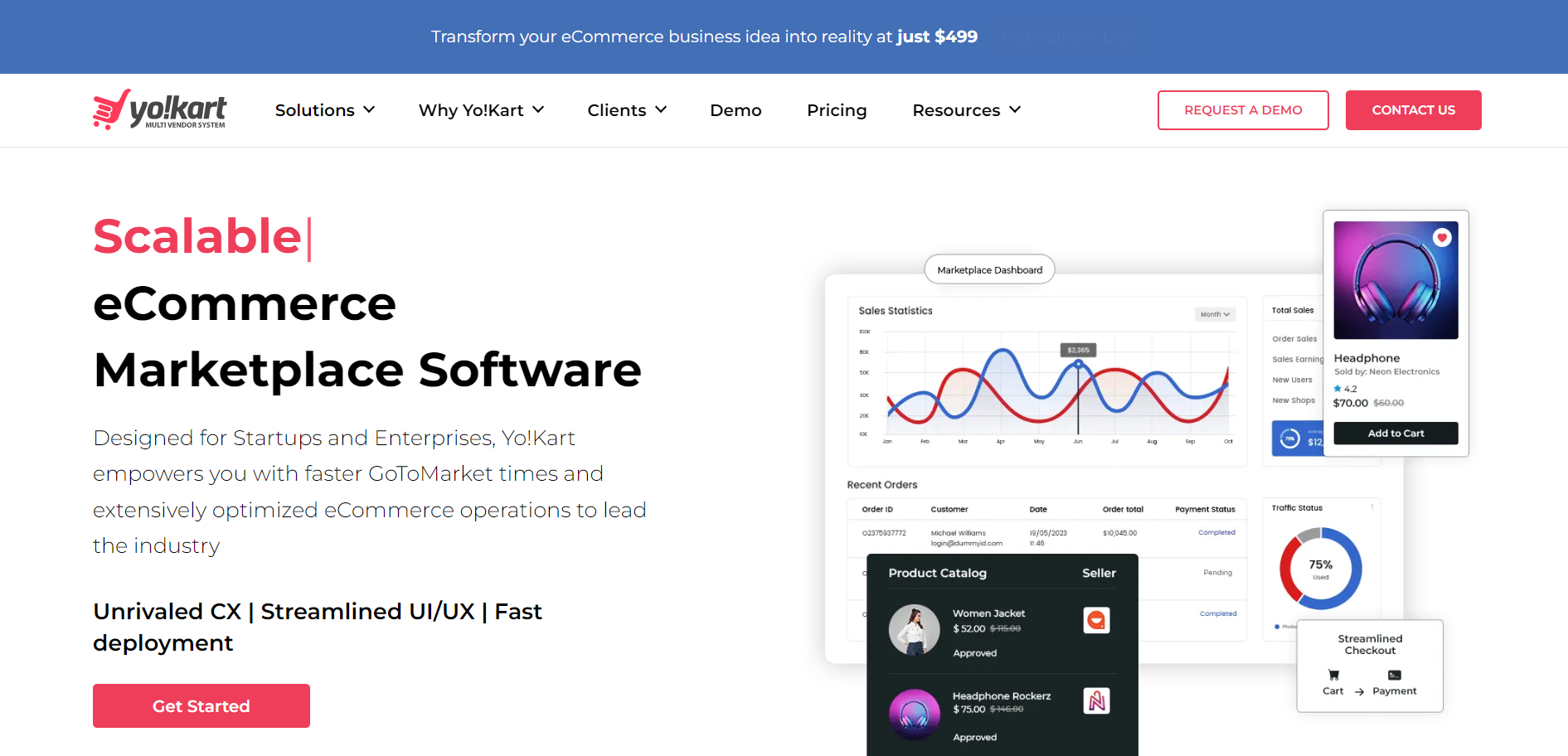
Yo!Kart is an effective alternative for businesses seeking an extensive, standalone platform for managing a multi-vendor marketplace. Nonetheless, Yo!Kart delivers a substantial return on investment over time. Yo!Kart provides powerful features that streamline marketplace operations and promote an optimistic user experience. These include a full product catalog, separate vendor storefronts, and abandoned cart recovery.
Yo!Kart is designed to handle growth without performance bottlenecks, so your marketplace can thrive. A future-proof multi-vendor marketplace platform ensures that this can adapt to a variety of product portfolios and expand to accommodate an expanding vendor base. Furthermore, Yo!Kart provides high levels of customization, allowing you to make the platform look and feel unique to your brand. Customization strengthens your brand recognition and enables you to stand out from the competition within your marketplace.
Highlighted Features
- Yo!Kart is pre-loaded with all the essential features to manage your marketplace, like product listings, vendor management tools, order processing, and marketing functionalities.
- Yo!Kart is renowned for its unbeatable user interface and user experience design (UI/UX).
- This multi-vendor marketplace platform can be customized to suit your brand identity and ensure a seamless shopping experience.
- Yo!Kart supports your market’s growth. The platform scales seamlessly as you add vendors and products.
Pricing
Yo!Kart platform’s premium version starts from $499.
ELEX WooCommerce Multi Vendor Plugin
You can unbolt your WooComerce store entirely with the help of the ELEX Multi-Vendor Plugin. You can streamline your vendor management process with its integrated configurations to create an ideal marketplace. Your multi-vendor marketplaces will be more usable and secure with the ELEX Multi-Vendor Plugin, which manages everything from vendor onboarding to commissions and settlement procedures.
You can easily onboard new vendors using the ELEX Multi-Vendor Plugin, which includes a customized and branded onboarding experience. With our easy-to-use onboarding wizard, you can select a vendor approval process or begin listing products immediately.
You can customize the WordPress admin dashboard by enabling or disabling vendor access. Vendors should not be allowed to access their products, orders, and coupons to enhance security. The ELEX Multi-Vendor Plugin prioritizes convenience and safety while providing an optimized user experience.
Highlighted Features
- Vendor onboarding is made easy with an intuitive wizard.
- You can enable or disable vendor access to the vendor dashboard.
- Easy addition, updating, and management of products and categories at your fingertips.
- Manage orders easily from the vendor dashboard with quick overviews.
- Build customer engagement and sales with built-in coupon functionality.
- By managing their shipping details efficiently, vendors ensure fast and accurate deliveries.
Pricing
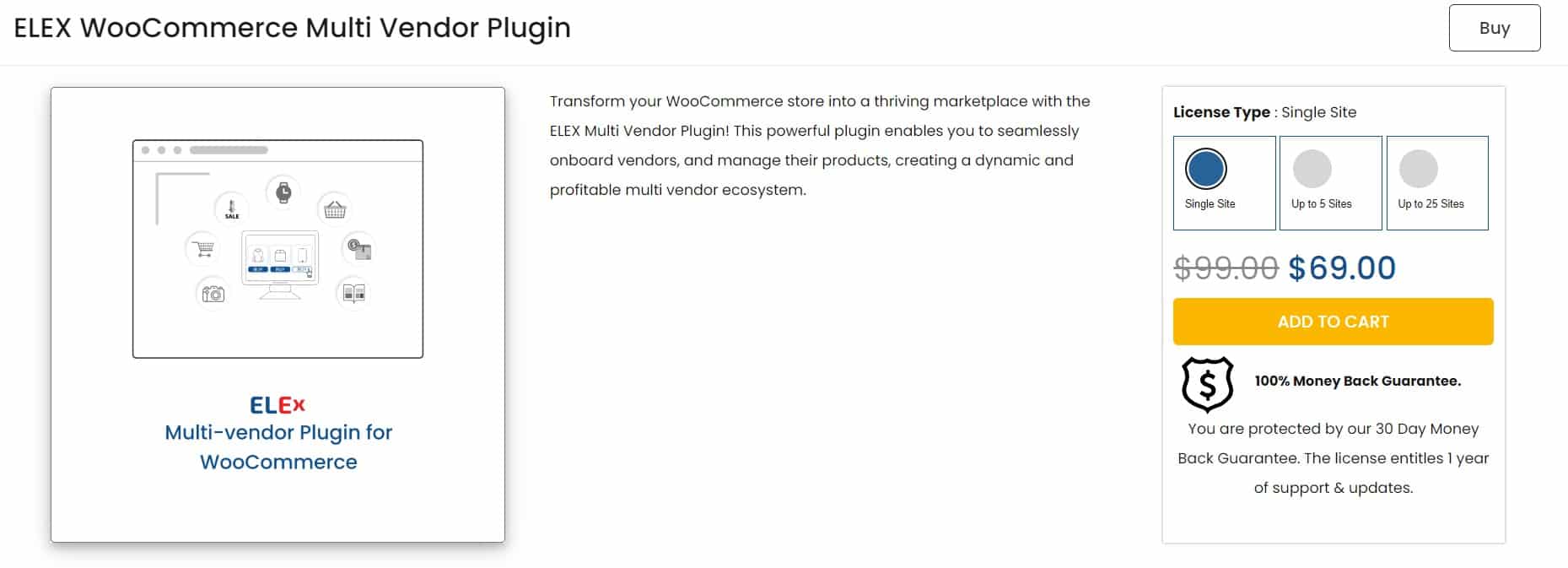
ELEX Multi-Vendor Plugin has a premium version starting at $69 per year. This plugin comes with a 30-day money-back guarantee.
Mirakl
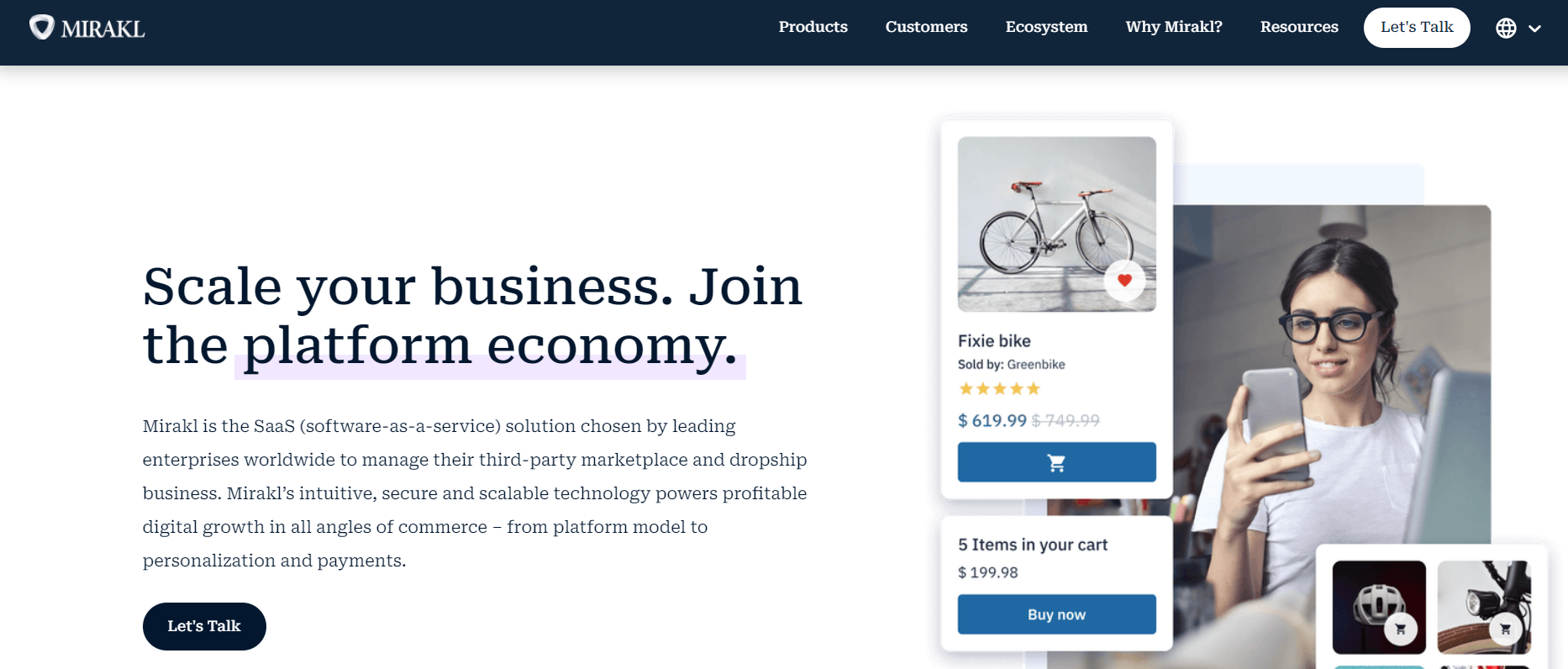
Mirakl is a multi-vendor marketplace plugin that offers a range of functionalities. However, it stands out as a scalable enterprise-grade solution that has a future-proof architecture that can accommodate significant growth in vendors, product listings, and overall marketplace complexity.
Ensuring that your marketplace can evolve alongside your business aspirations without the need to migrate to a new platform as your operations expand. Mirakl is trusted by prominent companies like Best Buy Canada, Toyota Material Handling, Conrad, and Astore, which solidifies its reputation for excellence. These industry leaders rely on Mirakl’s robust multi-vendor marketplace platform to power their successful marketplace operations.
Integrating Mirakl into your WooCommerce multi-vendor marketplace empowers you to unlock substantial growth potential. With its robust scalability, versatile B2B and B2C support, and comprehensive feature set, Mirakl positions your marketplace for long-term success. If you envision a thriving, data-driven marketplace that caters to a global audience, Mirakl presents a compelling solution worthy of serious consideration.
Highlighted Features
- Mirakl seamlessly adapts to your evolving business needs. With Mirakl’s infrastructure, large vendor bases and extensive product catalogs can be handled reliably.
- Mirakl supports both B2B and B2C operations. With this flexibility, you can cater to a wide variety of vendors and target markets.
- With Mirakl’s powerful API, you can fully integrate it with your existing WooCommerce infrastructure for a seamless user experience. Additionally, Mirakl’s platform supports multiple currencies and languages.
- Mirakl optimizes operations comprehensive reporting suite, providing you with valuable data-driven insights into marketplace performance.
- Mirakl’s advanced catalog management functionality empowers you to efficiently categorize, organize, and optimize product listings, ensuring a user-friendly shopping experience.
Pricing
A customized pricing plan is available for Mirakl Inc’s marketplace platform.
Shuup
While WooCommerce offers a variety of plugins to help you create a multi-vendor platform, Shuup is a dedicated platform that provides unmatched customization potential and a comprehensive feature set. Shuup’s platform design is especially tailored to empower you to build a marketplace that aligns perfectly with your vision and strategic goals. It offers flexibility, scalability, and a feature-rich environment that is designed for multi-vendor success.
Managing multiple vendors and a large number of products can be overwhelming, but Shuup provides user-friendly tools for vendor management, order processing, and product catalog administration. Its architecture is built for scalability, so your marketplace can grow and adapt effortlessly alongside your expanding business needs.
Shuup is a versatile platform that lets you customize your marketplace according to your specific vision and business objectives. With Shuup, you get complete control over your marketplace’s design, vendor onboarding workflows, product categorization, and layout. Shuup’s modular design makes it easy to create a unique marketplace that caters to your customer’s needs and preferences.
Highlighted Features
- Cater to a global audience by offering your marketplace in various languages, expanding your reach and customer base.
- Leverage built-in SEO tools to enhance your marketplace’s discoverability in search engines, attracting organic traffic and potential customers.
- Gain valuable insights into your marketplace’s performance with comprehensive reporting tools. Make data-driven decisions to optimize your marketplace strategy and maximize growth.
- Offer a secure and convenient payment experience for both vendors and customers with integrated payment gateway options.
- Manage all your marketplace content efficiently from a single, centralized platform.
Pricing
Shuup offers a 7-day free trial, and pricing begins at $299/month.
Kreezalid
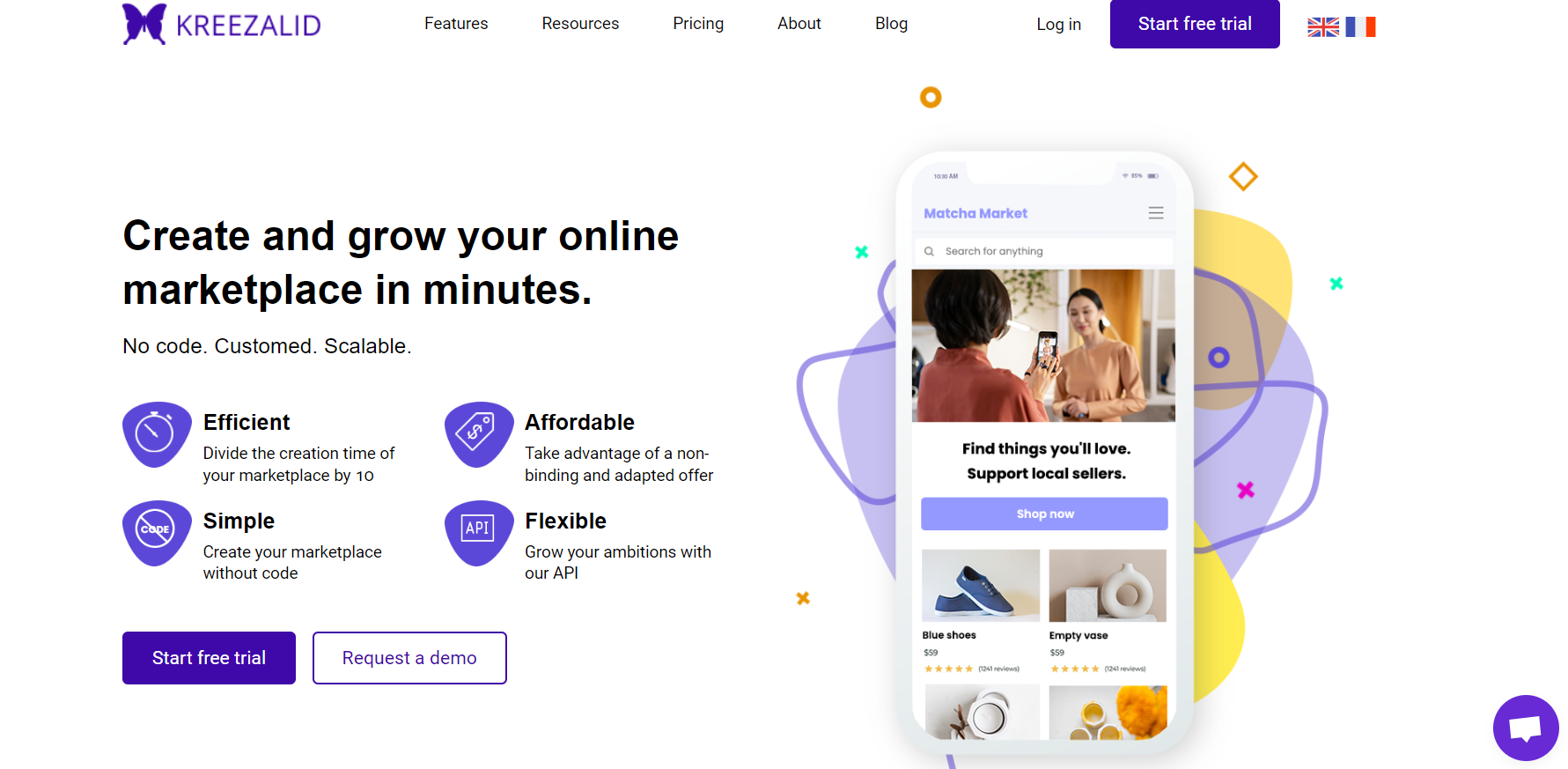
Kreezalid, a user-friendly platform caters to entrepreneurs of all technical backgrounds with its intuitive, no-code approach. Kreezalid empowers you to establish a thriving online marketplace without the complexities of extensive coding knowledge.
Kreezalid offers a comprehensive feature set, user-friendly interface, and commitment to scalability that enable you to build a successful multi-vendor marketplace with ease. The platform’s effortless setup, automated functionalities, and built-in SEO tools provide the foundation you need to cultivate a thriving online marketplace. We encourage you to explore the platform’s capabilities today and unlock the full potential of your multi-vendor business model.
One unique feature of Kreezalid is the ability to establish a subscription-based marketplace model. This innovative approach allows you to generate recurring income alongside traditional sales commissions.
Kreezalid streamlines secure transactions through its official partnerships with Stripe Connect and Mangopay. These built-in payment gateway integrations eliminate the need for complex configurations, ensuring a smooth and secure payment experience for all parties involved.
Kreezalid is a compelling contender for those looking for a multi-vendor marketplace solution. Its comprehensive feature set, user-friendly interface, and commitment to scalability make it an excellent choice for entrepreneurs of all technical backgrounds.
Highlighted Features
- Set your marketplace apart from the competition with customizable design templates. You can tailor the look and feel of your marketplace to perfectly match your brand identity, which will enhance the customer experience.
- Kreezalid’s automated commission management system eliminates manual calculations and potential errors. You can set clear commission structures, and the platform will handle the rest, ensuring transparency and efficient payouts to your vendors.
- Leverage Kreezalid’s built-in SEO tools to gain a competitive edge. With optimized marketplace content, you can attract organic traffic and increase brand visibility effectively.
- Kreezalid integrates seamlessly with popular payment gateways, ensuring secure transactions for both vendors and customers. Explore third-party services to further enhance your marketplace’s capabilities and expand its functionality.
Pricing
Kreezalid’s pricing starts at $299/month and this also offers a 14-day free trial.
CedCommerce
CedCommerce is a platform that excels in the WooCommerce ecosystem, but it also offers integrations with other popular e-commerce platforms like Magento and Shopify, providing greater flexibility for your business.
By implementing CedCommerce within your WooCommerce store, you can build a multi-vendor marketplace that attracts a wider customer base, empowers your vendors, and ultimately propels your business toward long-term success.
In today’s mobile-centric world, having a responsive design is crucial. CedCommerce ensures that your marketplace looks stunning and functions flawlessly across desktops, tablets, and smartphones, providing a seamless shopping experience for all customers.
Highlighted Features
- CedCommerce streamlines vendor onboarding and fosters a collaborative environment for your marketplace to flourish.
- It integrates with your existing WooCommerce store and leverages your existing infrastructure to a multi-vendor model. Instead of migrating your entire store to a new platform.
- Personalize your marketplace experience to boost your brand identity also offers varied customization options, like the vendor registration process, commission rates, and shipping rules.
- Effective inventory tracking ensures a seamless customer experience by managing stock levels and product variations and preventing overselling.
- CedCommerce streamlines order fulfillment, ensuring swift deliveries and customer satisfaction.
Pricing
CedCommerce pricing plans differ, based on the integrations you choose.
Marketplacer for WooCommerce
Implementing Marketplacer in your WooCommerce store provides you with the necessary tools and functionalities to build a successful online marketplace that benefits vendors, attracts customers, and drives sustainable growth for your business.
This powerful plugin transforms your WooCommerce store into a dynamic marketplace, allowing you to onboard multiple vendors and curate a diverse product selection for your customers. Marketplacer simplifies the entire marketplace creation process, with a user-friendly interface that makes setup and ongoing management intuitive, even for users with limited technical experience.
As your marketplace grows, Marketplacer scales seamlessly to meet your needs, whether you’re starting small or aiming to become the next big e-commerce destination. Marketplacer caters to a wide range of industries, from fashion and electronics to handcrafted goods and specialty services. This flexibility allows you to create a marketplace tailored to your specific niche or open it up to a diverse vendor base.
Highlighted Features
- Marketplacer permits for customization of the storefront’s appearance, promoting brand recognition and developing a cohesive customer experience.
- In a mobile-driven world, Marketplacer ensures your marketplace looks and works great on any device, maximizing customer convenience.
- Marketplacer integrates with popular payment gateways, allowing vendors to receive payments seamlessly.
- Marketplacer’s inventory management tools streamline the process for both vendors and marketplace administrators.
- Marketplacer entitles customers to leave reviews for vendors and products, promoting a sense of community and social proof within your marketplace.
Pricing
Marketplace has not revealed pricing information.
X-Cart Marketplace
If you’re looking to create a potential multi-vendor marketplace within your WooCommerce store, X-Cart Marketplace is the solution you need. It comes with a range of features that can help you establish a thriving online marketplace that attracts both vendors and customers.
With X-Cart Marketplace, each vendor gets a dedicated dashboard where they can manage their inventory, process orders, track sales performance, and communicate with customers directly. This helps vendors take ownership of their business and manage their operations more effectively.
X-Cart Marketplace supports a wide range of payment gateways, which provides flexibility for both vendors and customers. Vendors can receive payments through their preferred methods, while customers can choose their payment options during checkout.
Accurate inventory management is critical for the success of any marketplace. X-Cart Marketplace provides robust inventory management tools that allow vendors to track stock levels, set low-stock alerts, and manage product variations efficiently.
Highlighted Features
- Expand the functionality of your marketplace with X-Cart’s vast library of add-ons. Integrate features like loyalty programs, and shipping options to cater to your specific business needs.
- X-Cart Marketplace offers pre-designed themes but because it is open-source, it can be customized extensively. Design your marketplace to complement your brand identity and provide your customers with a unique shopping experience.
- The open-source architecture of X-Cart Marketplace empowers developers to modify the core code and create custom functionalities. This ensures your marketplace can evolve and adapt alongside your business, accommodating future growth and strategic pivots.
Pricing
Pricing starts at $199 per month with X-Cart Marketplace.
Spree
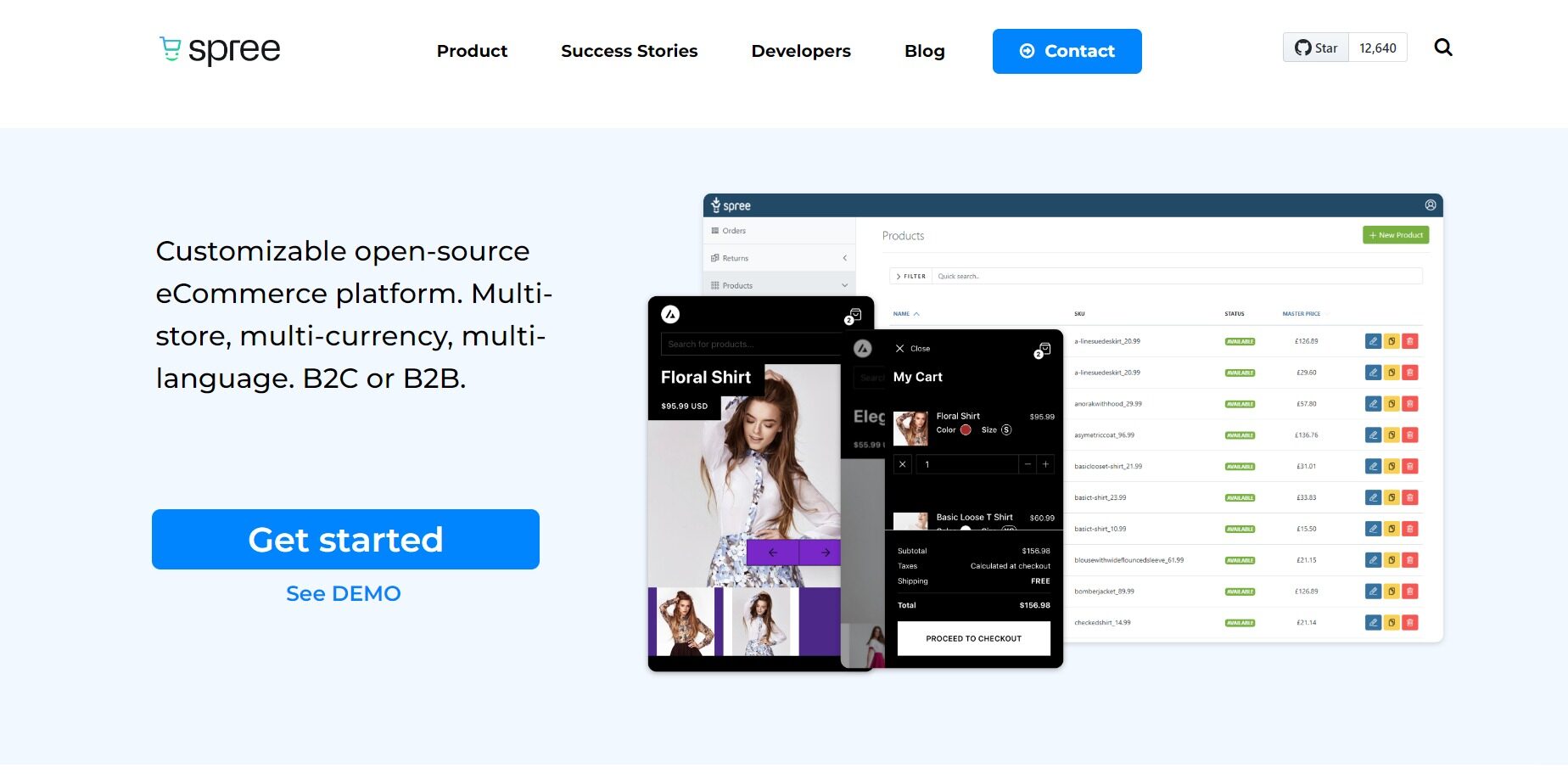
Spree is an open-source platform that gives you complete control over customization. Its modular design allows you to tailor functionalities to your specific marketplace needs, adding or removing features as required.
The API-driven architecture of Spree facilitates seamless integration with various third-party tools and extensions. This allows you to enhance your marketplace with functionalities like marketing automation, customer relationship management (CRM), and advanced payment gateways.
In today’s mobile-centric world, Spree prioritizes providing a smooth mobile shopping experience. This ensures that your marketplace caters to the growing trend of mobile commerce, keeping pace with customer expectations and maximizing convenience.
Highlighted Features
- By extending the reach of your marketplace beyond geographical boundaries, Spree empowers you to grow your business.
- You can cater to international audiences in their preferred language and currency with multi-store and multi-currency support.
- The Spree marketing system enables you to implement targeted marketing campaigns and loyalty programs. Customer engagement increases conversions, which leads to marketplace growth.
Pricing
Spree’s multivendor marketplace platform offers customized pricing.
Picking the Right Multi-Vendor Marketplace
You should carefully evaluate your specific business goals as well as your e-commerce store configuration when picking the ideal Multi-Vendor Marketplace platform. Take a look at these key factors:
- Target Audience
Your target customer base and the type of products you intend to offer should be clearly defined. It will help you pick a Multi-Vendor Marketplace platform that matches your niche.
- Expertise and Resource Availability
Analyze your technical resources and capabilities for managing a Multi-Vendor Marketplace. The interface of some platforms is very user-friendly, whereas others are more technical. - Budget Constraints
Check pricing models and make sure the platform matches your budget and your growth plans.
- Integrations
Decide which features are most important to your business operations and choose Multi-Vendor Marketplaces that integrate seamlessly.
Implementing a structured approach to marketplace selection can ensure that your long-term business objectives are aligned perfectly with your multi-vendor marketplace choice.
Last Shot
E-commerce multi-vendor marketplaces provide established businesses with a way to unleash significant growth potential. Multi-vendor marketplaces can propel your e-commerce business to new heights by providing a diverse product catalog, increased customer reach, and streamlined vendor management.
Multi-vendor marketplace platforms should be carefully selected based on your unique business requirements. As e-commerce evolves, Multi-Vendor Marketplaces offer businesses a significant opportunity to grow, unlocking significant growth potential.
The right Multi-Vendor Marketplaces can help your online business flourish with a diverse product catalog, improved customer outreach, and streamlined vendor management. A successful Multi-Vendor Marketplaces platform must meet your unique business needs. You can now select the ideal e-commerce platform to boost your e-commerce journey using the strategic framework.
To summarize, the above-listed multi-vendor platforms stand out from others and help your e-commerce business flourish but consider choosing the right platform that blends with your goals and needs.
FAQ’S
- How profitable can a multi-vendor marketplace get?
Multi-vendor marketplaces can be very profitable if managed effectively. The profitability depends on various factors such as the size of the marketplace, the number of vendors, the quality of products or services offered, the marketing and promotion strategies, and the commission or fee structure. - What are the key elements of the multi-vendor marketplace development plan?
For a successful development plan, it is essential to include specific key elements such as your marketplace niche, product vision, target audience, and monetization strategy. By incorporating these key elements, you can ensure that your plan is comprehensive and effective in achieving your goals.